 AI Education Platform
How to Get More Leads for Your Website Using AI
Learn how to get more leads for your website using AI — from intelligent chatbots and personalized content to AI-powered SEO and automated lead nurturing.
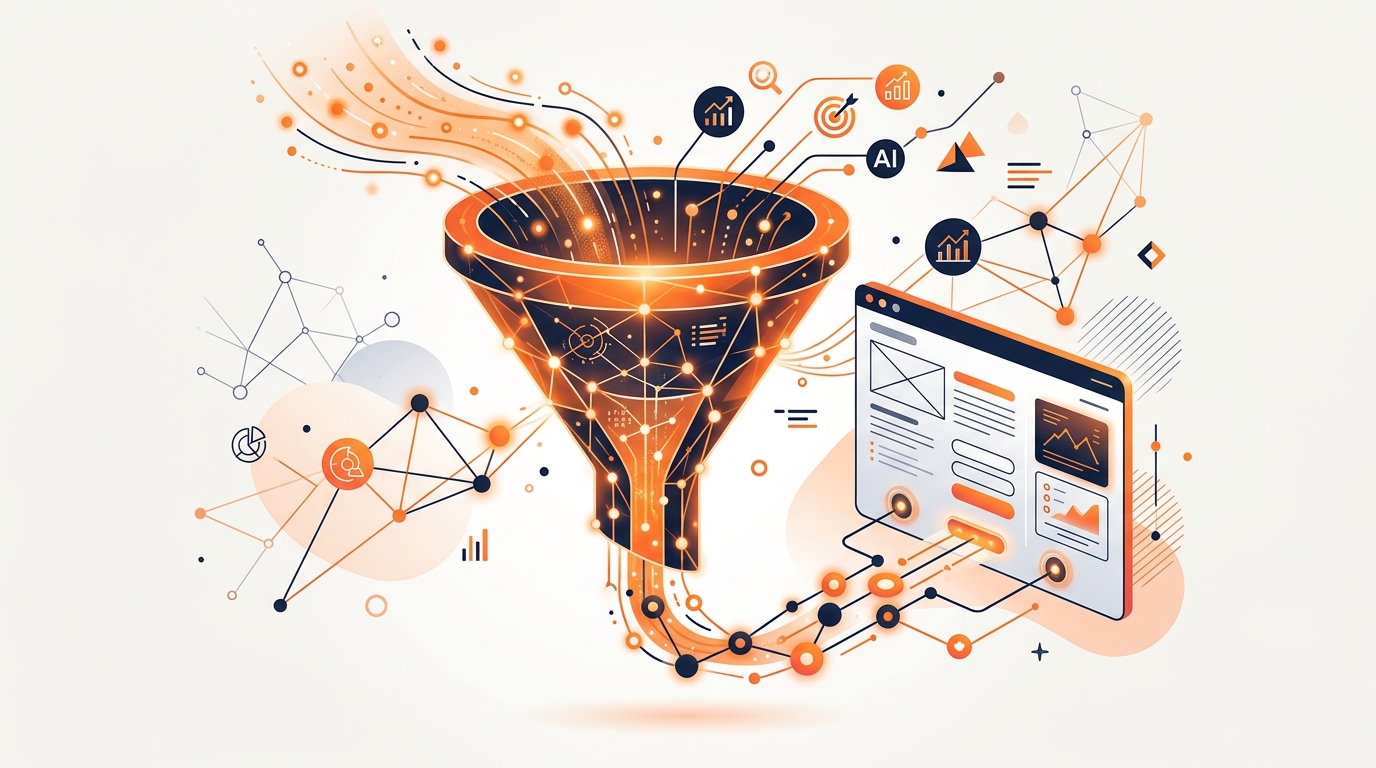
Every business with a website has the same core problem: getting the right people to show up, and converting them once they do. For years, solving that problem meant hiring more salespeople, writing more content, or spending more on ads. But AI lead generation has fundamentally changed the equation. Now, the businesses generating the most leads aren't necessarily the ones spending the most — they're the ones using AI the smartest.
Whether you're running a local service business, a B2B SaaS company, or an e-commerce store, AI tools can help you attract more traffic, qualify leads faster, and follow up with precision that manual processes can't match. This guide breaks down exactly how to do it — with specific tools, strategies, and implementation steps for each approach. If you want to understand the bigger picture of how AI is transforming business, read our post on how AI is impacting the business world first.
Step 1: Use AI to Create More and Better Content
The most sustainable source of website leads is organic traffic — people finding you through search engines. And the primary driver of organic traffic is content. AI makes it dramatically easier to produce high-quality, keyword-targeted content at scale.
Here's a practical workflow:
- ChatGPT or Claude — Use to research topics, generate outlines, draft blog posts, and write meta descriptions. Give it your audience persona and target keyword, and it will produce solid first drafts in minutes.
- Perplexity — Use to research what's currently ranking on a topic and identify gaps your content can fill.
- Surfer SEO or Clearscope — AI-powered SEO tools that analyze top-ranking content and tell you exactly what topics, keywords, and structure your post needs to be competitive.
The compounding effect: Every high-ranking blog post you publish is a 24/7 lead magnet. Unlike ads, content doesn't stop working when you turn off the budget. Businesses with 50+ indexed blog posts consistently generate 4-5x more organic leads than those with fewer than 10. HubSpot's research consistently shows that companies with active blogs generate 67% more leads per month than those without.
Step 2: Deploy an AI Chatbot for Instant Lead Capture
Most website visitors leave without filling out any form. An AI-powered chatbot changes that dynamic by engaging visitors in real time — answering questions, qualifying interest, and capturing contact information before the visitor bounces.
Modern AI chatbots go far beyond the scripted decision-tree bots of a few years ago. They understand natural language, can answer complex product questions, and hand off hot leads to your CRM automatically.
Tools to implement: - Intercom — Combines live chat with an AI chatbot (Fin) trained on your knowledge base. Excellent for SaaS and service businesses. - Tidio — Affordable AI chatbot solution popular with small and mid-size businesses. Easy to train on your FAQs and product docs. - Drift — Focused on B2B lead qualification. The AI engages visitors, qualifies them against your ideal customer profile, and books meetings directly. - Custom GPT chatbots via OpenAI API — For businesses with advanced needs, agencies like FireStart can build fully custom AI chatbots trained on your specific products, policies, and voice.
Key implementation tips: - Train the chatbot on your most common sales questions, not just support FAQs. - Set it up to ask qualifying questions (budget, timeline, company size) before routing. - Connect it to your CRM (HubSpot, Salesforce, Pipedrive) so every captured lead is automatically added and tagged.
Step 3: Personalize Your Landing Pages with AI
Most websites show every visitor the exact same homepage. But AI enables dynamic personalization — adjusting headlines, images, CTAs, and offers based on who's visiting and how they arrived.
For example: - A visitor from a Google ad for "AI automation for law firms" sees a headline specifically about legal workflow automation. - A visitor arriving from a LinkedIn post sees messaging tailored to professionals. - A returning visitor sees content based on what they previously viewed.
Tools for AI personalization: - Optimizely — Enterprise-grade AI personalization and A/B testing platform. Learns from visitor behavior and automatically surfaces the highest-converting content. - Mutiny — B2B-focused AI personalization that segments visitors by company and role using reverse IP lookup, then personalizes the experience. - RightMessage — Simpler, more affordable AI personalization for smaller businesses. Dynamically adjusts CTAs and copy based on audience segments.
Even simple personalization — showing different headlines to cold traffic vs. warm retargeting audiences — can increase conversion rates by 20-30%, according to Econsultancy research.
Step 4: Automate Lead Nurturing with AI Workflows
Getting a lead is only the beginning. Most leads — 79% according to Marketing Sherpa — are never sales-ready on first contact. The businesses that win are the ones that nurture leads systematically until they're ready to buy.
AI makes this dramatically easier to scale:
- n8n — An open-source workflow automation platform that connects your lead capture forms, CRM, email platform, and AI together. You can build workflows where every new lead gets an AI-personalized email sequence, a qualification score, and a follow-up task created for your team — automatically.
- ActiveCampaign — Marketing automation with built-in AI for predicting the best time to email leads and which ones are most likely to convert.
- HubSpot — Comprehensive CRM with AI-powered lead scoring, email sequences, and predictive analytics built in. Free tier is surprisingly capable.
- Make (Integromat) — Another powerful automation platform for connecting your lead generation tools and triggering AI-powered follow-up sequences.
A simple AI nurture sequence that works: 1. Lead signs up → Immediate welcome email (AI-personalized based on signup context) 2. Day 2 → Educational content matching their stated interest 3. Day 5 → A relevant case study or success story 4. Day 8 → Soft offer (free consultation, demo, trial) 5. Day 14 → Re-engagement if no action taken
The AI layer handles personalization at scale — you write the framework, AI fills in the details.
Step 5: Use AI for Smarter SEO and Search Visibility
Beyond content creation, AI can dramatically improve your technical SEO — how search engines find, crawl, and understand your site:
- Semrush — AI-powered keyword research, competitor analysis, and SEO audit tools. Its "Topic Research" feature uses AI to identify the content clusters that will drive the most traffic for your niche.
- Ahrefs — Comprehensive backlink analysis and keyword research. Its "Content Gap" tool shows you exactly which keywords your competitors rank for that you don't.
- Frase — AI content optimization tool that analyzes top SERP results and helps you create content that outranks them.
- Schema markup generation — Use ChatGPT to generate properly formatted JSON-LD schema markup for your pages (FAQPage, LocalBusiness, Product schemas). This improves how Google displays your results and can dramatically increase click-through rates.
For local businesses in areas like Hampton Roads, AI-powered local SEO tools can help you dominate Google's local pack — the map results that capture the highest-intent, purchase-ready searchers in your area.
Step 6: Run AI-Optimized Paid Ads
If you're running paid advertising, AI can make your budget go dramatically further:
- Google's Performance Max and Smart Bidding — Google's AI automatically optimizes your bids in real time across search, display, YouTube, and Gmail — targeting the people most likely to convert at the price point most likely to be profitable.
- Meta Advantage+ (Facebook/Instagram) — Meta's AI automatically places your ads, selects your audience, and optimizes creative — often outperforming manual targeting for lead generation campaigns.
- AI ad creative tools — Tools like AdCreative.ai generate hundreds of ad variations and predict which will perform best before you spend any budget.
- ChatGPT for copy — Use AI to generate 20 headline and description variations in minutes. Test them. Let data decide what resonates.
The key with AI-optimized ads is feeding the algorithm good creative and the right conversion goal. AI handles the distribution and optimization. You focus on the offer and the messaging.
Where to Start: Your 30-Day AI Lead Generation Plan
You don't need to implement everything at once. Here's a realistic 30-day plan:
- Week 1: Set up one AI tool in your existing workflow. Start with an AI chatbot (Tidio is great for beginners) or use ChatGPT to produce your first three SEO-targeted blog posts.
- Week 2: Audit your current lead capture process. Where are leads dropping off? Deploy AI personalization on your highest-traffic page.
- Week 3: Connect a simple AI nurturing sequence. If you're using HubSpot or ActiveCampaign, activate their AI lead scoring and create a basic 5-email sequence.
- Week 4: Measure and iterate. Look at what changed. Which channels drove more leads? Which conversions improved? AI tools get better the more data they have.
The businesses winning at lead generation in 2026 aren't necessarily the ones with the biggest budgets — they're the ones who've made AI a systematic part of how they attract, engage, and convert visitors.
If you want to build a deeper understanding of AI so you can direct these tools confidently, join FireStart for free. Our Guides library with Ember AI covers everything from AI fundamentals to business automation — giving you the knowledge to be the smartest person in the room when it comes to AI strategy.
Want to learn more about AI?
Join InLoop free — explore guides, connect with creators, and drop into live voice rooms.